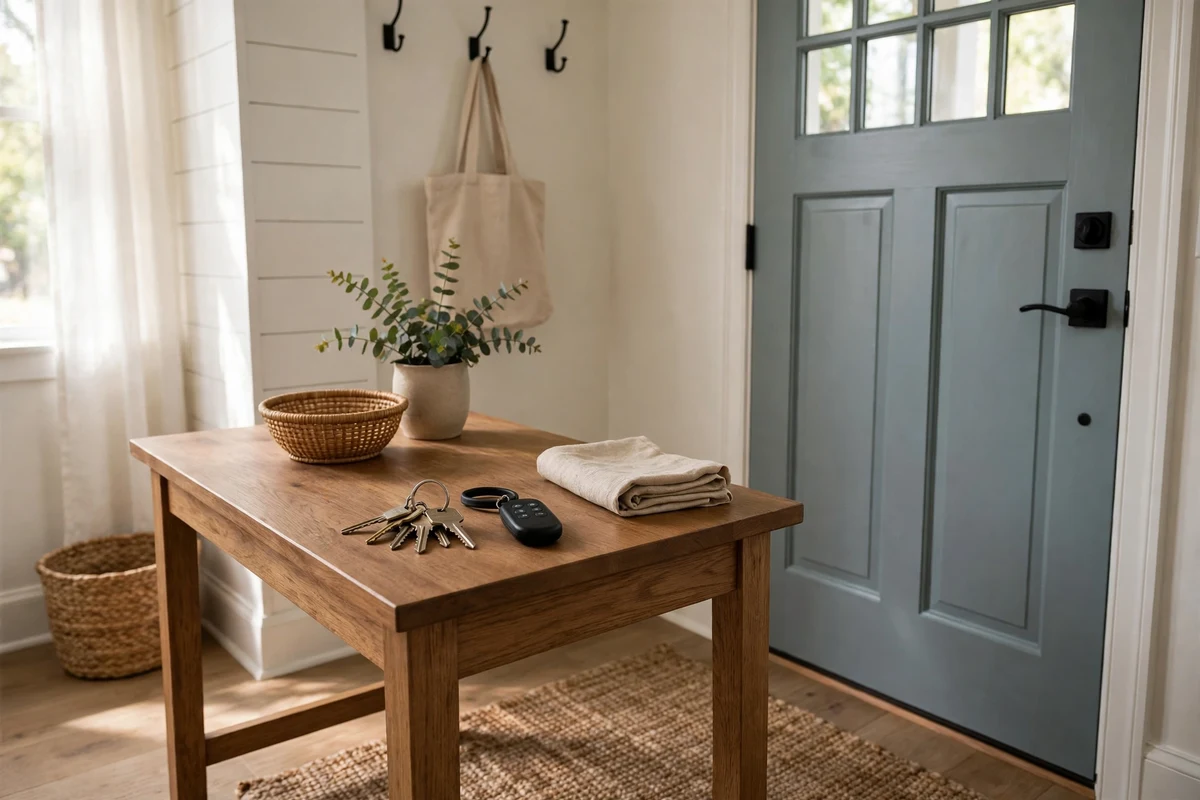
A keychain garage door remote does the same job as the bulky visor remote, but it clips to your keys, your bag or a motorcycle jacket — which makes it the remote you are least likely to leave behind. Garage door fobs have become the go-to second remote for families, renters and riders who do not want to program a car or carry a full-size transmitter. This guide explains how keychain remotes work, how to choose one that actually works with your opener, and how to program and look after it.
What Is a Keychain Garage Door Remote?
A keychain remote — often sold as a garage door fob or mini remote — is a compact radio transmitter, usually with one or two buttons, designed to hang from a keyring. Inside, it is the same technology as a standard remote: it sends a coded radio signal on a set frequency to your opener, which opens the door if it recognises the code. The difference is purely size and convenience.
Because they are small, fobs suit people who move between vehicles or arrive home on foot, by bicycle or on a motorcycle. They are also a sensible spare: if the main remote is lost, a fob keeps you independent of the wall button until a replacement arrives. If you are still deciding between remote types, our overview of app-based garage door remotes shows the other end of the spectrum, while this guide stays with the simplest option of all.
Choosing the Right Keychain Garage Door Remote
Compatibility decides everything. First, identify your opener’s brand and the colour of its learn button, or check the frequency printed on your existing remote — common frequencies include 300, 310, 315 and 390 MHz. A fob must match both the frequency and the code technology (fixed code, dip switch or rolling code) or the opener will ignore it no matter how many times you press the button.
Universal keychain remotes cover most major brands and are the easiest route for older openers; brand-specific fobs are the safer choice for the newest rolling-code systems. Decide how many buttons you need: a single button for one door, or two buttons if you also have a gate or a second garage. Finally, look at build quality — a fob lives on a keyring, so a metal-reinforced ring hole and a battery cover that does not pop open in your pocket matter more than styling. Shoppers comparing mini remotes with standard ones will find the trade-offs laid out in our wall-mounted garage door remote guide as well, since placement and range affect both.
How to Program a Keychain Garage Door Remote
Programming a fob follows the same pattern as any remote. Start at the opener motor: press and release the learn button — the indicator light will glow for about thirty seconds, which is your window. Within that window, press and hold the fob button you want to use until the opener’s light blinks or you hear a click. Release, wait a few seconds, then press the fob button again to test. The door should respond.
Some universal fobs instead clone an existing remote: you hold the working remote and the fob close together and press both buttons until the fob’s light signals it has copied the code. Cloning only works with fixed-code and some older rolling-code systems. If nothing happens, work through the same checks you would use for any garage door remote that is not working: battery first, then distance from the motor, then whether the opener’s memory is full. Most openers remember a limited number of transmitters, and a full memory silently rejects new ones — clearing an old, unused remote often solves the problem.
Battery Life and Everyday Care
Keychain remotes typically run on a small coin cell such as a CR2032, which lasts one to two years in normal use. Because the fob is pressed against other keys, accidental presses in a pocket can shorten that life; some models include a sliding cover or recessed buttons to prevent it. When range shrinks or the light dims, replace the battery before assuming the remote has failed — the process is identical to the one in our guide to garage door remote batteries.
Keep the fob dry and avoid leaving it in a hot car for weeks at a time, since heat is hard on coin cells. Clean the contacts gently if the button becomes unreliable. If the fob is lost, treat it as urgent: erase it from the opener’s memory by clearing all remotes and re-adding the ones you still have, exactly as you would after any security concern. Our universal garage door remote troubleshooting guide covers the memory-clearing steps for the common opener families.
Fob Remotes vs Keypads and Full-Size Remotes
Each access method has a job it does best. A keypad mounted outside the door — like the models in our universal garage door keypad guide — is ideal for kids arriving home from school and for giving a neighbour temporary access with a PIN you can change. A full-size visor remote offers the longest range and the biggest, easiest buttons, which is why it remains the primary remote in most cars.
The keychain fob wins on portability. It suits a second driver, a teenager, a house-sitter or anyone who arrives home without a car. Many households combine all three: keypad for access without any device, fob for people on the move, visor remote in the main car. That layered approach means a single lost or flat remote never locks anyone out.
Security Tips for Keychain Remotes
A fob is small, which also means it is easy to lose — and whoever finds it has a working key to your garage until you erase it. Attach it to something you would notice missing, such as your house keys, rather than leaving it loose in a bag. Choose a rolling-code fob where your opener supports it: rolling codes change with every press, so a captured signal cannot be replayed later, a meaningful upgrade over fixed-code fobs on older doors.
Review your opener’s stored remotes once or twice a year and remove any you no longer recognise. If you move house, clear the opener memory on day one and re-program only your own devices — previous occupants, agents and contractors may all still hold working transmitters. With those habits in place, a garage door fob stays what it should be: the smallest, simplest and most convenient remote you own.
