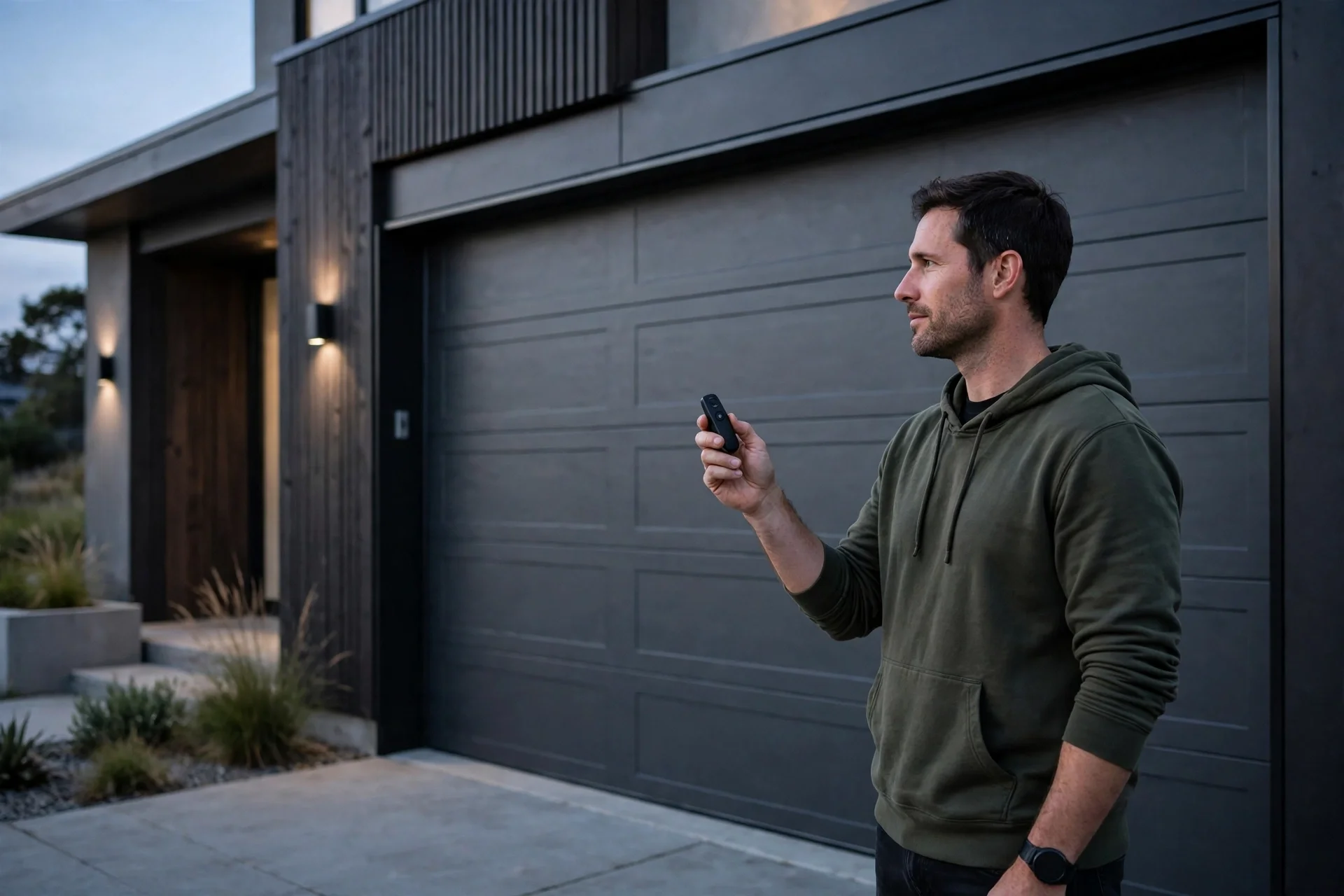
A myQ garage door remote brings your garage door into the world of smart home control. Instead of relying only on a handheld clicker, you can open and close the door from your phone, check whether you left it open, and receive alerts when it moves. This guide explains what a myQ garage door remote setup involves, how to get it working, and how to fix the problems most owners run into.
Before you start, it helps to understand the basics of smart openers in our guide to the smart garage door opener, and how a myQ setup relates to the standard controls in our complete guide to garage door remotes.
What Is a myQ Garage Door Remote?
myQ is a smart garage control system used with compatible garage door openers. In everyday language, a myQ garage door remote can mean two things: the physical remote or wall control that works with a myQ-enabled opener, and the phone app that acts as a remote wherever you are. Together they give you two ways to run the same door: the familiar button press at home, and app control when you are away.
The smart part usually depends on a hub or a built-in Wi-Fi connection in the opener, plus a door sensor that reports whether the door is open or closed. When those pieces are in place, the app can show the door state, send an alert when the door opens or closes, and let you operate it remotely. That is the feature most owners value: the ability to check the door from work, from holiday, or from the sofa, rather than wondering about it all day.
What You Need for a myQ Garage Door Remote Setup
Start with compatibility. Not every opener works with myQ, so check your opener brand, model, and age against the compatibility guidance for the hub or kit you plan to use. Some newer openers have smart connectivity built in, while older openers need an add-on hub and sensor. If you are unsure, the label on the opener motor unit and the opener manual are the best sources, and a local garage door technician can confirm compatibility quickly.
You will also need a reliable Wi-Fi signal in the garage, since the hub or opener talks to your home network. Garages at the far end of a house, behind thick walls, or below ground level sometimes have a weak signal, which is the most common cause of a smart opener going offline. Test your phone Wi-Fi signal in the garage before you buy anything, and consider a Wi-Fi extender if the signal is weak or drops out. Finally, you need a smartphone with the app installed and an account set up, plus your Wi-Fi network name and password to hand during setup.
How to Set Up a myQ Garage Door Remote
Setup follows a familiar pattern, though exact screens and button names vary by opener and app version, so your opener manual and the app prompts are the final authority. First, fit the hub or sensor as instructed, usually by mounting the hub near the opener and the door sensor on the door itself, and check that the sensor moves with the door and sits correctly when the door is closed. Next, put the opener or hub into pairing mode as the instructions describe, which often involves the learn button on the opener motor, explained in our guide to the learn button on a garage door opener.
Then open the app, add the device, and follow the prompts to connect it to your Wi-Fi network and link it to your door. The app will usually ask you to test the door through a full open and close cycle and to confirm that the app shows the correct open and closed state. Do this test while you can see the door, and never operate the door remotely until you have watched it travel fully and confirmed the safety reversal works. If you also use a handheld remote, test that too after setup, since pairing steps can sometimes clear older remotes, and our guide on how to program a garage door remote explains how to re-pair one.
Using Your myQ Garage Door Remote Day to Day
Day to day, the app works like a remote with extra information. You can open or close the door, see its current state, and check a history of recent activity. Alerts are worth setting up thoughtfully: an alert when the door opens unexpectedly, or when it has been left open for a while, gives you useful peace of mind without flooding your phone. Some owners also set a schedule that closes the door at a fixed evening time, which is a helpful safety net if someone forgets.
Guest access is another practical feature. Rather than handing out a handheld remote or sharing a keypad code, you can give a trusted person limited app access for a set period, for example while you are away or while a delivery is expected. Review who has access from time to time and remove people who no longer need it, just as you would change a keypad code after a change of tenants or household. Keep your app account protected with a strong password, since the account controls access to your home.
Remember that the physical remote still matters. Keep a handheld remote in the car and, if you have one, a wall console inside the garage, so the door still works when your phone battery is flat or your home network is down. Smart control is an addition to the standard controls, not a replacement for them, and a household that depends only on a phone will be stuck on the day the network fails.
Troubleshooting a myQ Garage Door Remote
When a myQ garage door remote stops responding, work through the causes in order. First, check the basics that apply to any opener: power to the motor, the door path clear, and safety sensors clean and aligned. Our guide to an opener not working covers those checks, and our guide to a garage door remote not working covers the handheld side, which helps you tell whether the problem is the smart system or the opener itself.
If the physical remote works but the app does not, the problem is usually connectivity. Check that the hub or opener is powered, that your Wi-Fi is running, and that the signal in the garage is strong enough. Restarting the hub and, if needed, reconnecting it to Wi-Fi resolves many offline problems. Also check the door sensor, since a sensor that has slipped, lost its battery, or no longer sits correctly on the door can report the wrong state or stop the app from operating the door. Our guide to the garage door remote battery is a useful reminder that small batteries cause outsized problems across garage controls.
If the app shows the wrong door state, for example showing closed when the door is open, the sensor position is the first thing to check, followed by a fresh test cycle in view of the door. If the door moves only part of the way or reverses, treat it as a door or opener problem rather than an app problem, and check tracks, rollers, and sensors before using the door normally again. Never bypass safety sensors to force the door to move, and never operate a door you cannot see when using remote control.
myQ Remote vs Standard Remote vs Keypad
A standard handheld remote is simple, fast, and works without a network, which makes it the most reliable option in the car. A myQ garage door remote adds remote checking, alerts, and guest access, which a standard remote cannot offer, but it depends on Wi-Fi and a charged phone. A keypad gives code access to people on foot without a remote or a phone, which suits family members, visitors, and service callers. The right setup for most homes is a mix of all three, so no single failure locks you out.
Security deserves a direct comparison too. A handheld remote can be lost or stolen from a car, and a keypad code can be shared more widely than intended, so both need occasional attention. A smart system lets you review activity and remove access quickly, which is a real advantage, but it also means your app account needs a strong password and your home network needs basic protection. Our guide on how to secure your garage door covers the physical side of that picture, and the app account side is simply good password practice.
Security and Safety Tips for a myQ Garage Door Remote
Use the smart features with the same care you would use for any control that opens your home. Keep the app updated, use a strong and unique password for the account, and review guest access regularly. Do not operate the door remotely unless you are confident the path is clear, and never let children play with the app or the physical remote. Teach everyone in the household that the door is heavy machinery, not a toy, and that the safety sensors near the floor must never be blocked or removed.
Test the safety reversal regularly, keep the door maintained, and treat unusual behaviour as a warning rather than an annoyance. A door that hesitates, grinds, reverses without cause, or feels heavy when disconnected from the opener needs attention, and the smart app will not fix a mechanical problem. Springs are under high tension and must only be handled by a trained technician, so keep spring work off your own task list entirely.
When to Call a Professional
Call a professional if the opener will not pair after you have followed the manual, if the door is heavy, uneven, noisy, or off its tracks, if sensors or wiring look damaged, or if the door reverses or refuses to close after basic checks. A technician can confirm whether your opener supports smart control, fit a hub and sensor correctly, improve Wi-Fi coverage advice for the garage, and check the door balance and safety systems in the same visit.
A myQ garage door remote is at its best when it is treated as part of a complete control setup: a physical remote for the car, a wall control inside the garage, and the app for checking, alerts, and access when you are away. Set it up carefully, test it in view of the door, keep the sensor and network in good order, and you get the convenience of smart control without giving up the reliability of the simple button that has always worked.
