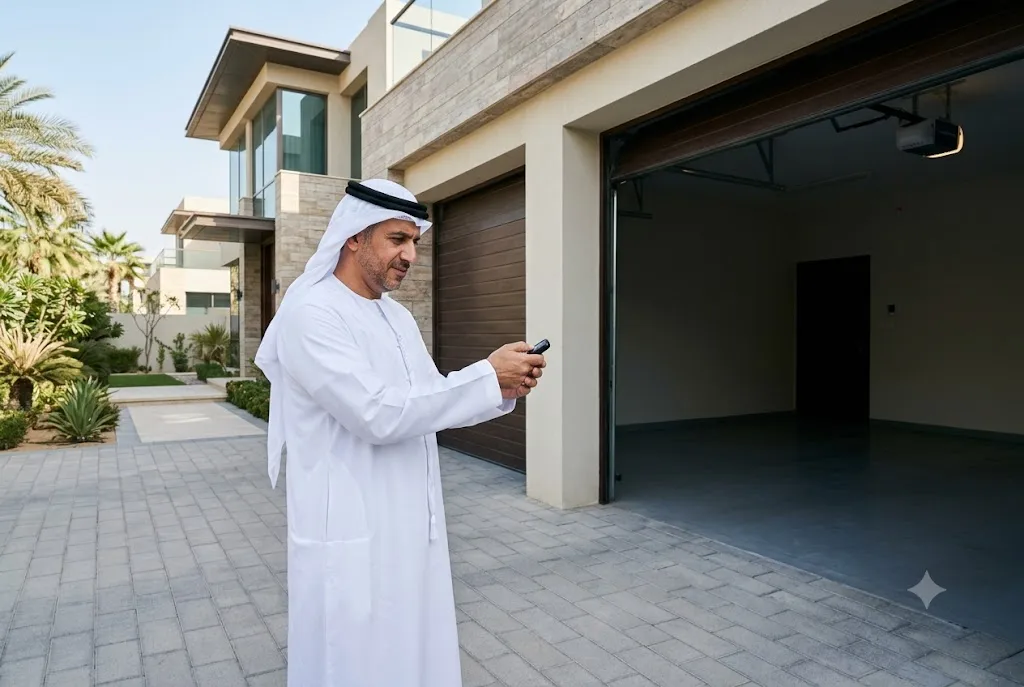
If your Chamberlain garage door opener not responding to remote has suddenly become a problem, you’re not alone. This is one of the most common issues homeowners experience with automatic garage door systems. In many cases, the cause is simple, such as a weak battery or lost programming. However, receiver faults, signal interference, or damaged components can also prevent the remote from communicating with the opener.
This guide explains the most common causes, practical troubleshooting steps, and when it’s time to seek professional garage door repair services.
Why Is My Chamberlain Garage Door Opener Not Responding to the Remote?
When you press the remote button, it sends a wireless signal to the opener’s receiver. If the receiver doesn’t recognize the signal, the garage door won’t move.
Several issues can interrupt this communication, including battery problems, programming errors, damaged remotes, electrical interference, or hardware failures.
Common Reasons Your Chamberlain Remote Is Not Working
1. Dead or Weak Battery
A weak battery is the most common reason a Chamberlain remote not working issue occurs. Before attempting more advanced troubleshooting, replace the battery with the correct type recommended by the manufacturer.
If you’re unsure how to do this, read our guide on garage door remote battery replacement.
2. Lost Remote Programming
Power outages, electrical surges, or accidental resets may erase the remote’s stored code.
Reprogramming the remote usually restores normal operation.
3. Signal Interference
Wireless interference from nearby electronic devices, LED lighting, Wi-Fi equipment, or other radio-frequency devices may reduce communication between the remote and opener.
4. Damaged Remote
Physical damage, worn buttons, water exposure, or internal circuit failure may prevent the remote from transmitting signals.
5. Receiver Problems
If multiple remotes stop working simultaneously, the garage door opener’s receiver may require professional diagnosis.
How to Perform Chamberlain Remote Troubleshooting
Follow these troubleshooting steps before replacing your remote or opener.
- Replace the remote battery.
- Move closer to the garage door.
- Verify the opener has electrical power.
- Inspect the opener antenna for damage.
- Test another programmed remote.
- Check whether the wall control operates the door.
- Look for flashing diagnostic LEDs on the opener.
If the wall control works but the remote does not, the issue is likely limited to the transmitter or programming.
How to Perform a Chamberlain Remote Reset
Sometimes a Chamberlain remote reset resolves communication issues.
Although procedures vary by model, the general process includes:
- Locate the Learn button on the garage door opener.
- Press and release the Learn button.
- Within the specified time, press the desired remote button.
- Wait for the opener light to flash or click.
- Test the remote.
Always follow the instructions for your specific Chamberlain opener model.
Chamberlain Remote Reprogramming Steps
If resetting doesn’t solve the problem, Chamberlain remote reprogramming may be necessary.
Reprogramming establishes a fresh connection between the transmitter and the opener receiver.
- Erase old programming if recommended.
- Activate Learn mode.
- Program each remote individually.
- Test every programmed button.
If your home uses multiple remotes, reprogram all devices after resetting the opener.
When the Wall Button Works but the Remote Doesn’t
If the wall-mounted control opens and closes the garage door normally, but the handheld remote does not, check:
- Remote battery.
- Programming status.
- Remote compatibility.
- Signal interference.
- Physical damage to the transmitter.
In many situations, replacing or reprogramming the remote resolves the issue.
When Multiple Remotes Stop Working
If every programmed remote suddenly stops operating the garage door, the problem may involve:
- Receiver failure.
- Electrical surge damage.
- A damaged antenna.
- Power supply issues.
- Circuit board malfunction.
Professional inspection is usually recommended in these cases.
Preventing Future Chamberlain Opener Remote Issues
Routine maintenance helps minimize future problems.
- Replace batteries every one to two years.
- Keep remotes clean and dry.
- Avoid dropping the transmitter.
- Test remotes regularly.
- Inspect the opener antenna during routine maintenance.
- Update programming when replacing remotes.
Alternative Garage Access Options
Many homeowners add a wireless garage door keypad as a backup access method. A keypad allows secure PIN-based entry even if a handheld remote is unavailable.
If your current transmitter is damaged beyond repair, our guide to garage gate remote control explains how to choose a compatible replacement.
When to Call a Garage Door Professional
If you’ve replaced the battery, reprogrammed the remote, and confirmed there are no interference issues, but your Chamberlain garage door opener not responding to remote problem continues, professional service is recommended.
A qualified technician can diagnose receiver faults, control board failures, damaged wiring, antenna issues, or motor-related problems while ensuring the system operates safely.
Final Thoughts
A Chamberlain garage door opener not responding to remote is often caused by simple issues such as weak batteries or lost programming, but more complex electrical or receiver faults can also be responsible. Following a structured troubleshooting process helps identify the problem quickly and may restore normal operation without unnecessary replacement costs. When basic troubleshooting doesn’t resolve the issue, professional diagnosis ensures your garage door system remains safe, reliable, and secure.
For additional guidance on garage door safety and automatic door systems, visit the Door & Access Systems Manufacturers Association (DASMA), a trusted resource for homeowners and industry professionals.
